2026-11-06 · 7 min read
Introducing Custom Layouts: Turn Your Lesso Lessons Into Beautiful Interactive Webpages
Turn a Lesso lesson into one interactive webpage. Students still complete the activities inside the page. Choose a coursebook, magazine, old book, or field journal.
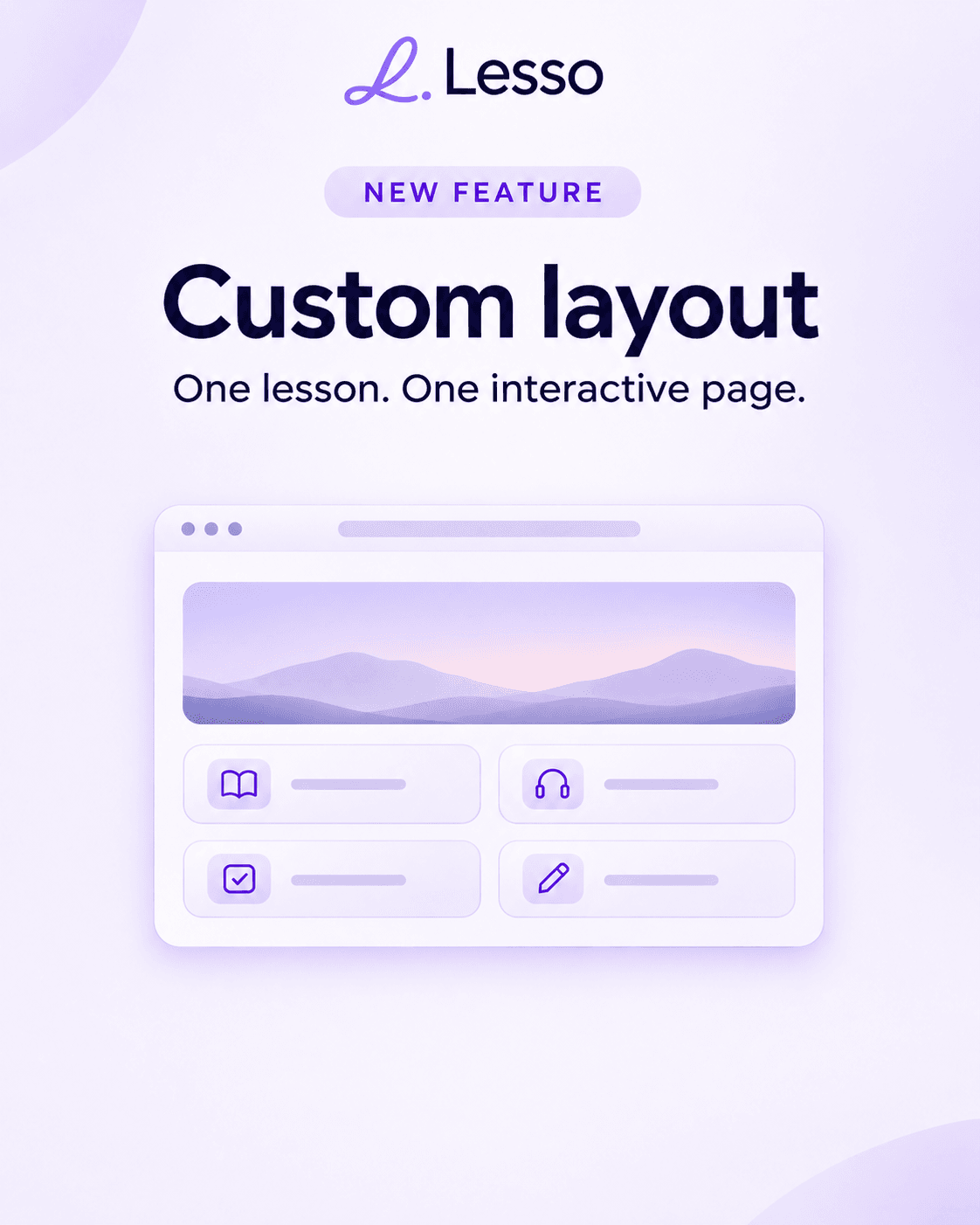
One lesson. One interactive page.
What if your next English lesson looked like a magazine, a vintage book, a field journal, or a modern language coursebook?
Custom Layouts turn a Lesso lesson into one designed webpage without dropping the activities. Students still complete vocabulary, listening, quizzes, and the other tasks inside the page.
It is the same lesson, presented as one page.
What a custom layout is
A custom layout takes the lesson you already have and lays it out as one webpage. It is not a PDF, a screenshot, or a static picture of the lesson. The activities stay live.
Students can practice vocabulary, complete quizzes, listen and answer, work through reading and writing, and join the live class from that page.
Instead of a stack of separate blocks, the activities sit in one continuous design. You get the look of a custom page and the same Lesso lesson underneath it.
Four styles
English coursebook is a clean, structured look based on modern language-learning materials. It fits grammar, vocabulary, a planned course, and a traditional class.
Magazine is an editorial page: strong type, pictures, and a contemporary feel. It fits articles, interviews, current events, culture, and lifestyle topics.
Old book is a classic, literary page. It fits storytelling, literature, history, and reading.
Field journal is a notebook for exploration and observation. It fits travel, geography, nature, and lessons built on real places.
You can also add an optional note that describes the look, and an optional color palette. One style covers the whole page, so the lesson reads as one design.
How to create one
From a new lesson, choose custom layout in the creation wizard. Lesso writes the activities first, then designs the page around them.
From a lesson you already have, open it and choose Switch to custom layout. That redesigns the lesson you have. It does not make a second copy.
From a course, choose custom pages when you generate lessons from the outline. The style you pick applies to every lesson in that run, so the course looks consistent.
Speaking rooms stay speaking practice and are not turned into a page. Custom layouts are available to teachers whose accounts are not locked to an organization workspace.
The page is designed around the lesson
The lesson content is written first. The webpage is designed after that, around those activities. The page is not a drawing of a lesson. The tasks are placed in the design so students can do them.
The header is the Lesso wordmark and a short title. The first picture is drawn as part of the page. Later pictures, audio, and the other materials are created the usual way.
Edit the lesson without starting over
Blocks opens the lesson structure. You can add an activity, remove one, reorder them, edit an exercise, or generate a later image.
Update page fits those changes into the design you already have. Regenerate layout designs the page again. Switch to regular layout returns to the block lesson whenever you want that view.
One lesson, one share link
Switching layouts does not create a second lesson. The share link stays the same.
Publish from the regular lesson and students see the blocks. Publish from the custom layout and students see the webpage. Publishing again updates what that link shows.
Live class tools stay on the page
A custom layout is also a live class page. The timer, the student list, the whiteboard, and pointers between the teacher and the students work on it.
What it costs
Creating one custom page costs 5 Lesso coins. Updating the page after you change blocks costs 5. Regenerating the layout costs 5. Lesson content still uses the usual block coins, on top of the page fee.
When you generate two or more lessons together in a course, that first page fee is 2 coins per page. Updating or regenerating a page later is still 5. The first picture is included in the page fee.
During the free month, before a subscription, the first custom page on up to five lessons is free, and each of those lessons includes one free regeneration. A subscription pays the page fee from the start.
Who it is for
Online tutors can shape a page around one student’s interests and goals.
ESL and EFL teachers can keep vocabulary, grammar, reading, and listening interactive, in a design that feels less like a stack of blocks.
Teachers who build lessons from articles, stories, travel, or culture can pick a style that fits the material.
Teachers preparing a course can give the lessons in one run the same look.
Custom layouts are available in Lesso now. Try custom layouts.