Now available with the Miro plugin
English
English
Hello
Made for language tutors worldwide
Describe a topic and Lesso builds a complete lesson with activities, quizzes, and speaking practice.
Describe a real-life situation and create an AI speaking room where students practise with a role-playing partner.
Try it free
100 welcome coins10 lesson languages
Generate vocabulary, listening, grammar, and speaking tasks in any supported language — with explanations in the language your students understand.
English
English
Hello
Español
Spanish
Hola
Français
French
Bonjour
Deutsch
German
Hallo
中文
Mandarin
你好
Português
Portuguese
Olá
Italiano
Italian
Ciao
العربية
Arabic
مرحبا
日本語
Japanese
こんにちは
한국어
Korean
안녕하세요
English
English
Hello
Español
Spanish
Hola
Français
French
Bonjour
Deutsch
German
Hallo
中文
Mandarin
你好
Português
Portuguese
Olá
Italiano
Italian
Ciao
العربية
Arabic
مرحبا
日本語
Japanese
こんにちは
한국어
Korean
안녕하세요
All-in-one platform
Everything you need to create, teach and track learning experiences that engage and deliver results.
Describe the topic, level and goal. Lesso creates a structured lesson with vocabulary, grammar, listening, speaking and quizzes.
Describe a real-life situation and build a role-play room where students practise with an AI conversation partner.
Edit every activity, add your own materials, audio and tasks, or build a lesson manually from scratch.
Share one link, guide students through the lesson in real time and keep everyone on the same page.
Send speaking, writing, quiz and AI conversation tasks for students to complete independently.
Review responses and conversations, give feedback and see where each student needs more support.
Keep lessons and speaking rooms organised, duplicate them and adapt them for other students or groups.
Create materials for beginners through advanced learners, from everyday language to business and exam preparation.
The same flow you use in the teacher admin — no separate tooling.
Enter your teaching prompt, level, length, and skill focus (speaking, listening, writing, reading, grammar).
AI suggests a flow — or start manually. Reorder, swap types, and tune each block before generating content.
Credits power text, images, listening audio, and tasks. Edit titles, descriptions, and regenerate any block.
Publish, copy the link, invite by email, watch students live, and optionally list on Explore for colleagues.
AI lesson building, live teaching, student practice, and Lesso Talk voice rooms — one workspace for modern language classes.
Build lessons
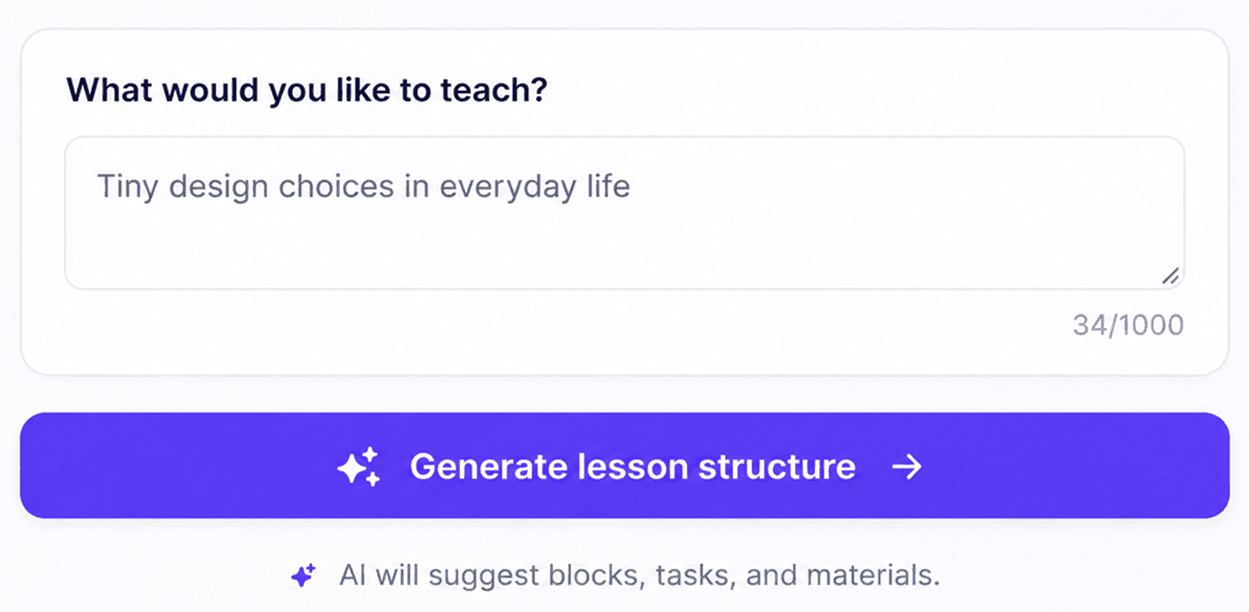
Describe your class in plain language — AI drafts a full lesson with vocabulary, reading, tasks, and wrap-up in seconds.
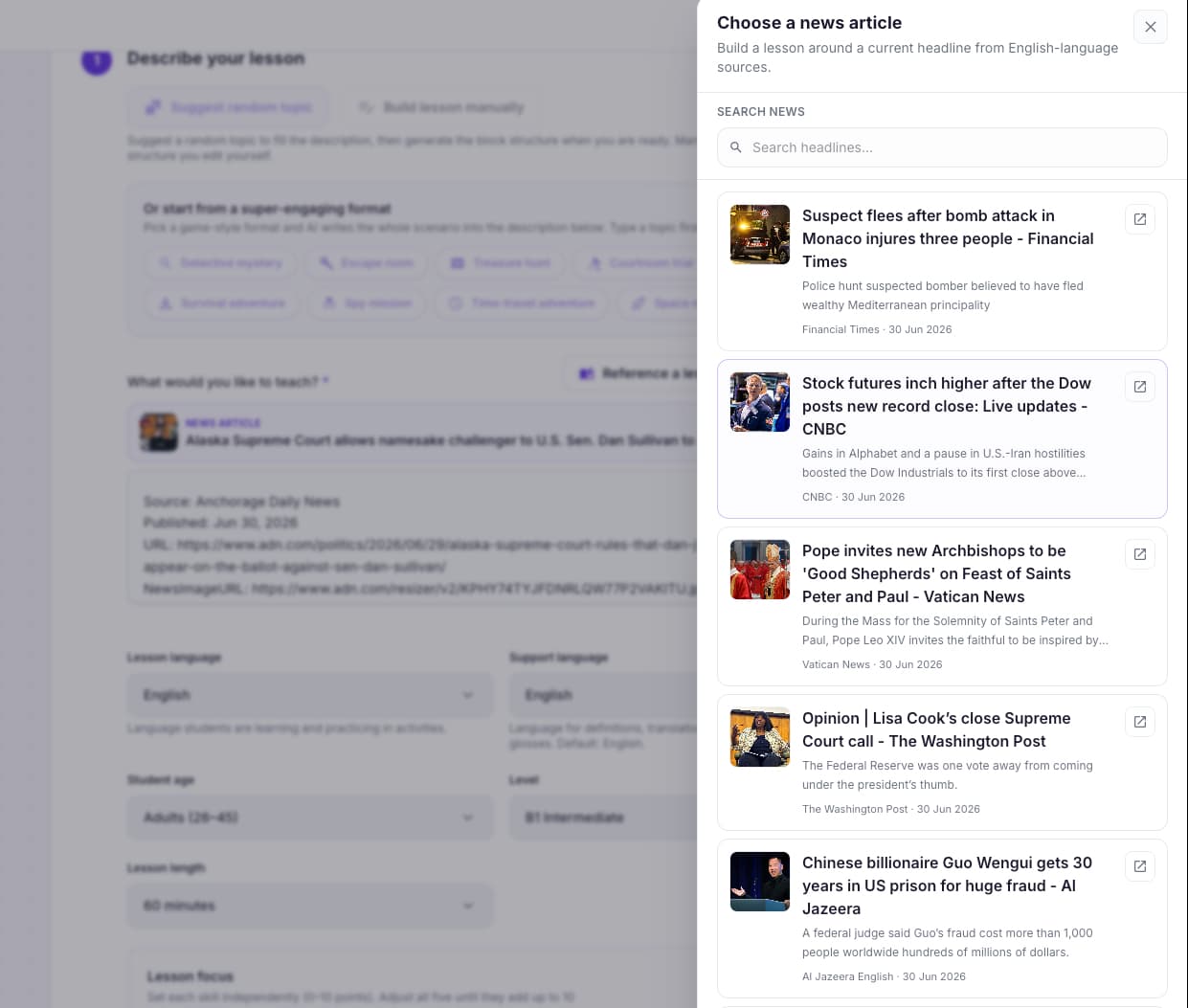
Browse current headlines, pick a story, and turn it into a classroom-ready lesson around topics students care about.
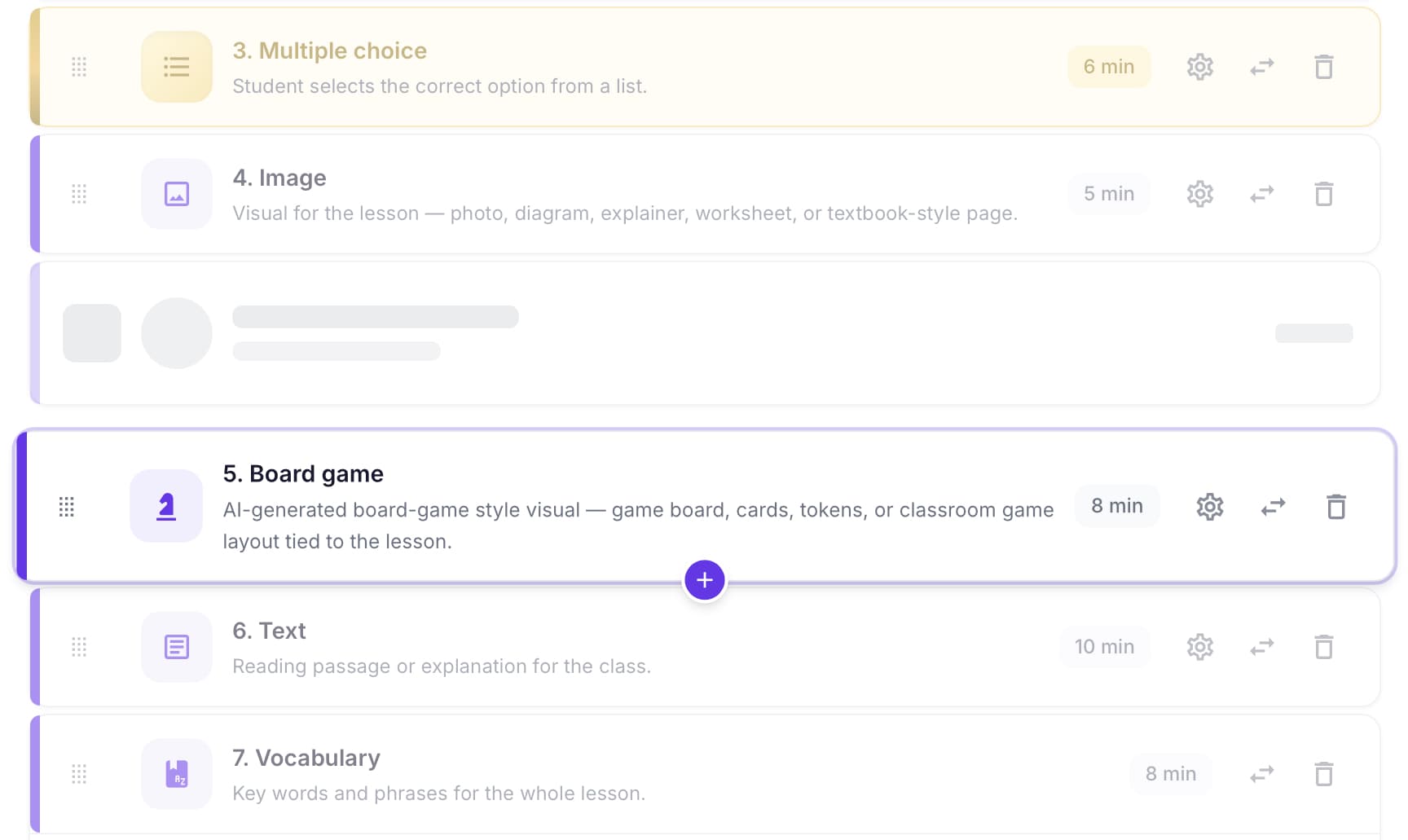
Drag, reorder, duplicate, or delete any card. You stay in control of pacing and difficulty.
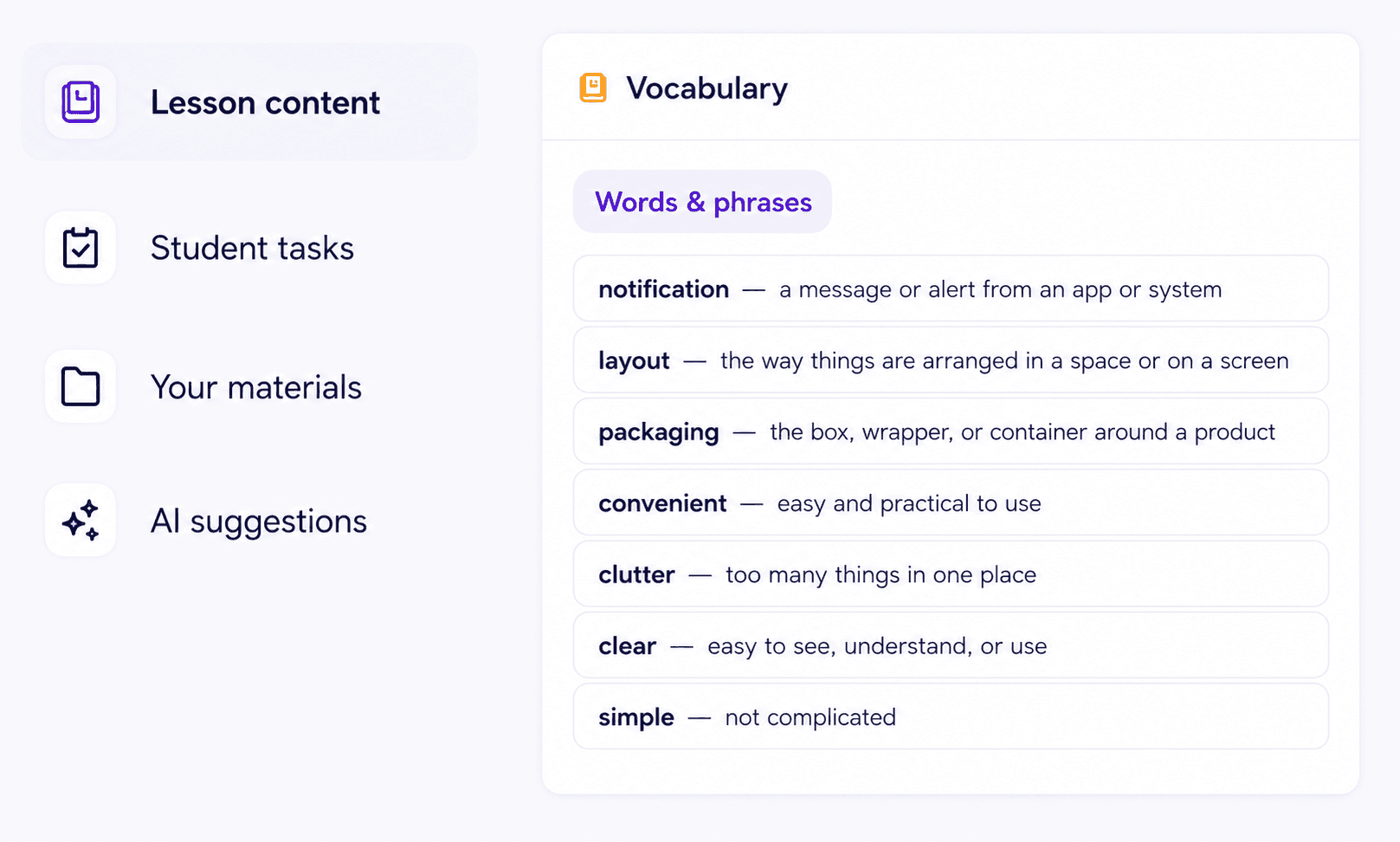
Text, vocab, grammar, listening, images, games, and speaking — each block is tuned for language learning.
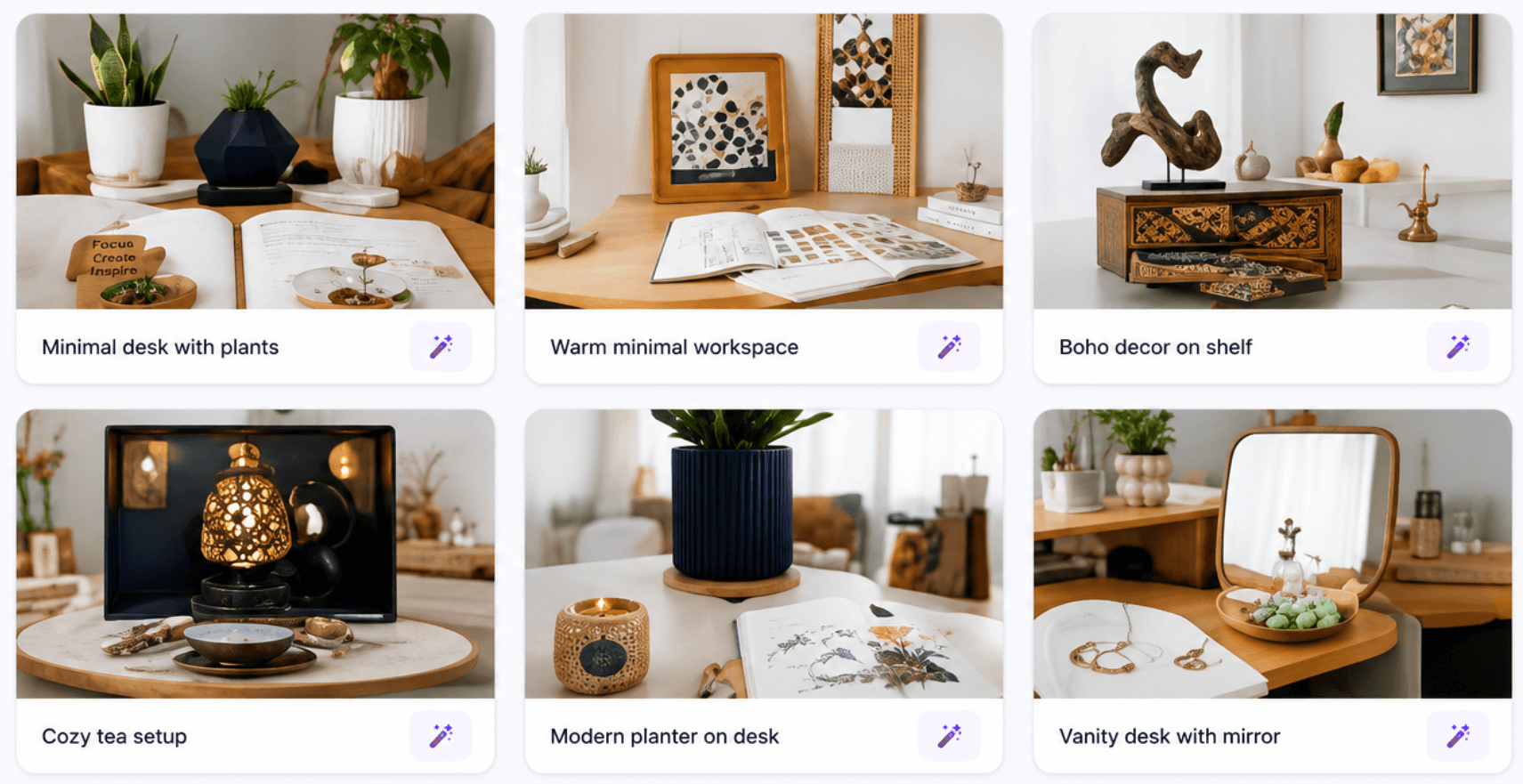
Generate scene visuals, flashcard art, and story illustrations without leaving the editor.
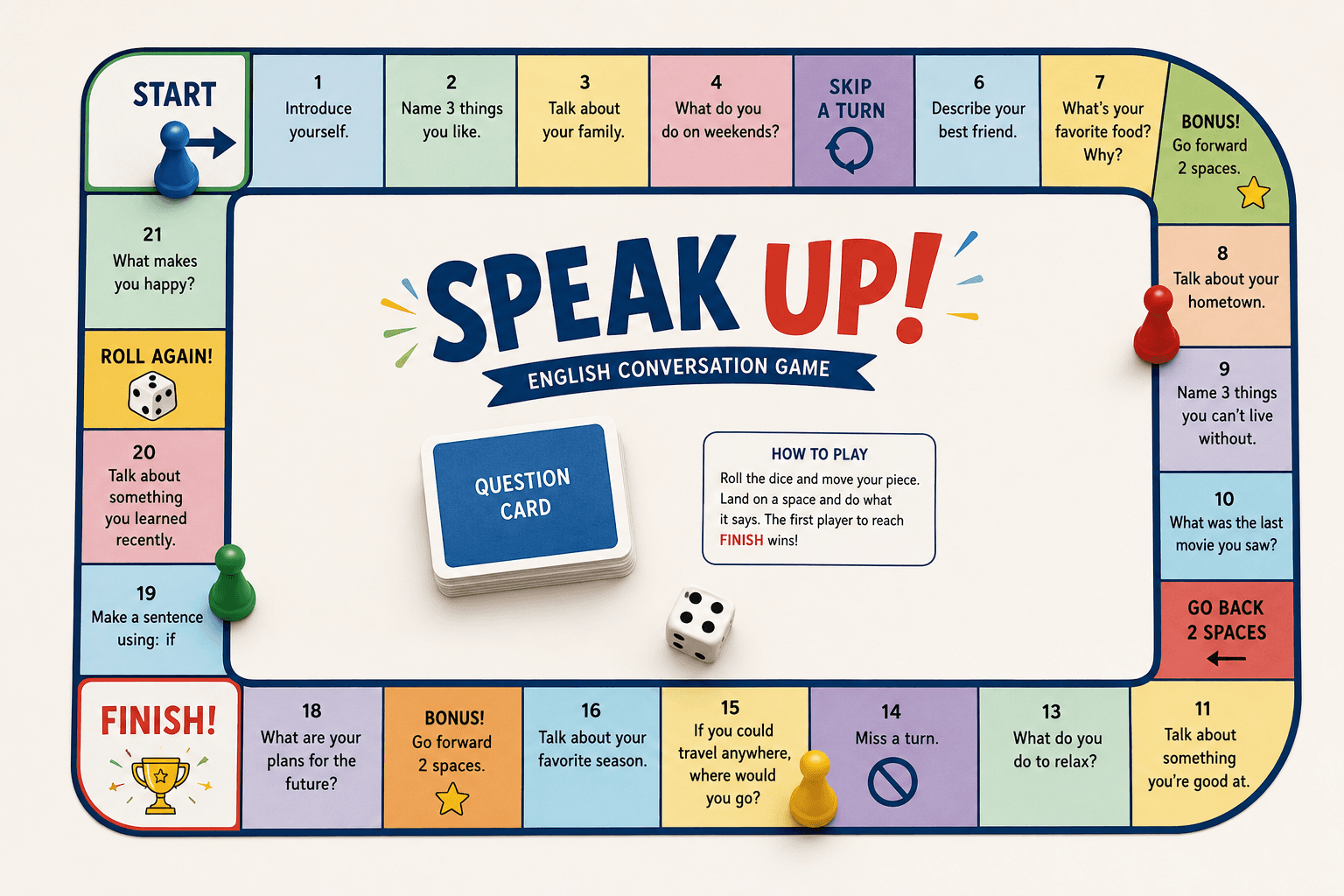
Turn any unit into a playable board game — dice, tiles, and language tasks built in.
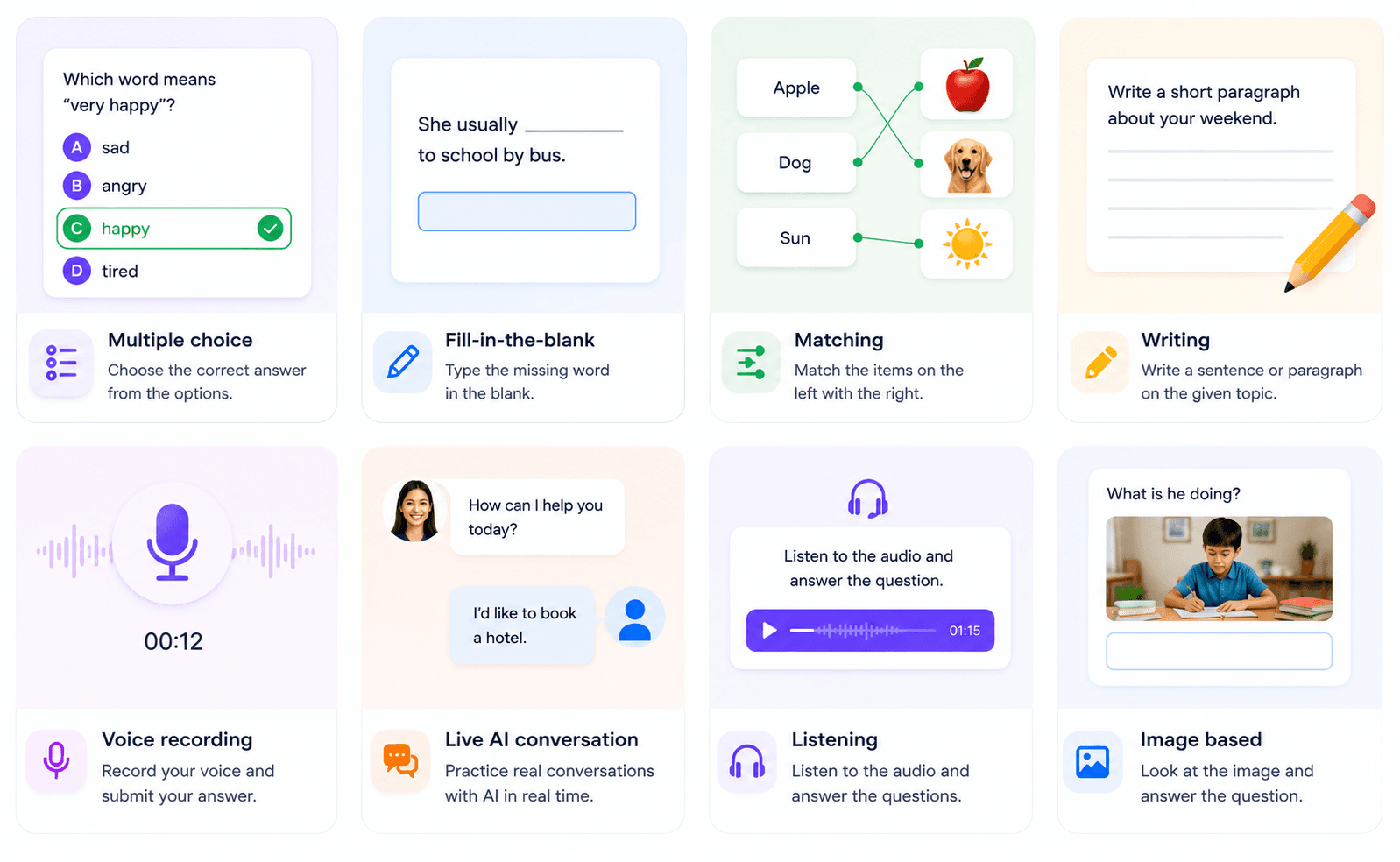
MCQ, fill-in-the-blank, matching, ordering, dictation, flashcards, writing, voice, and more — all in one link.
Teach live
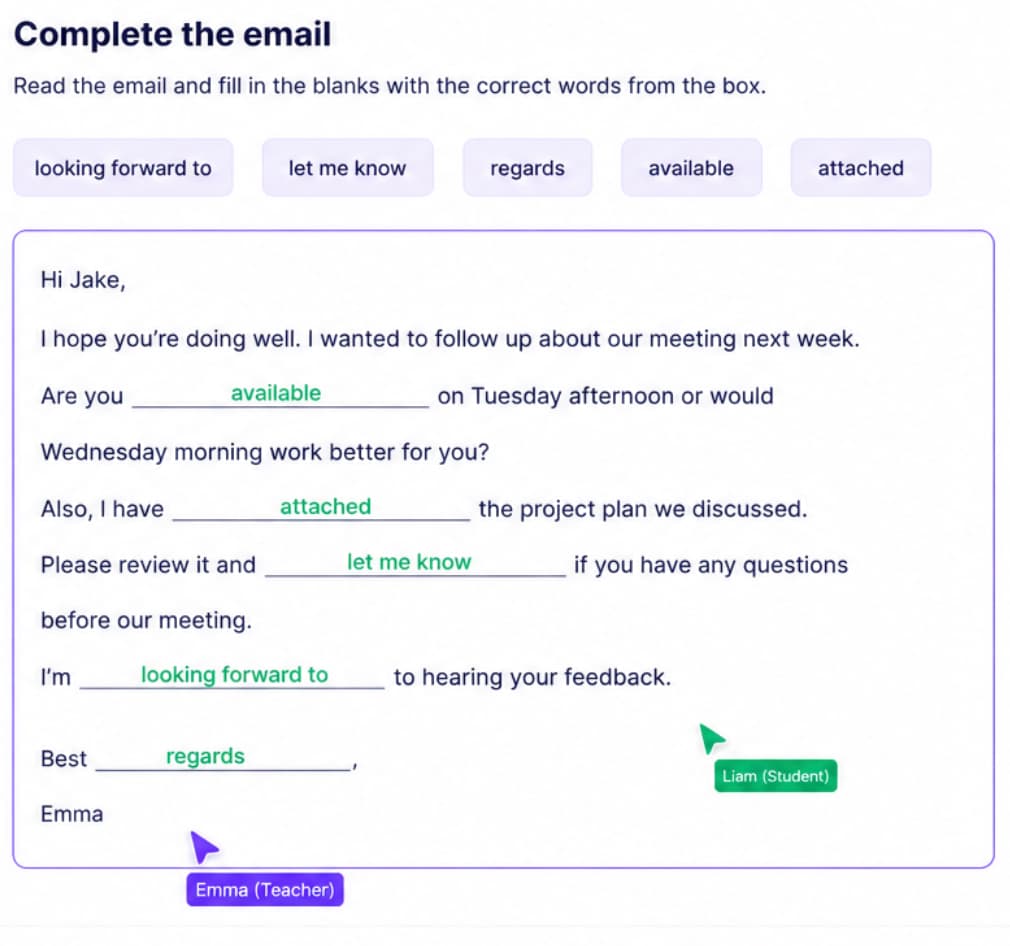
Students work through your lesson while you watch progress update in real time and guide speaking tasks.

Embed live voice role-plays inside lessons with custom roles, goals, and level-aware partners.
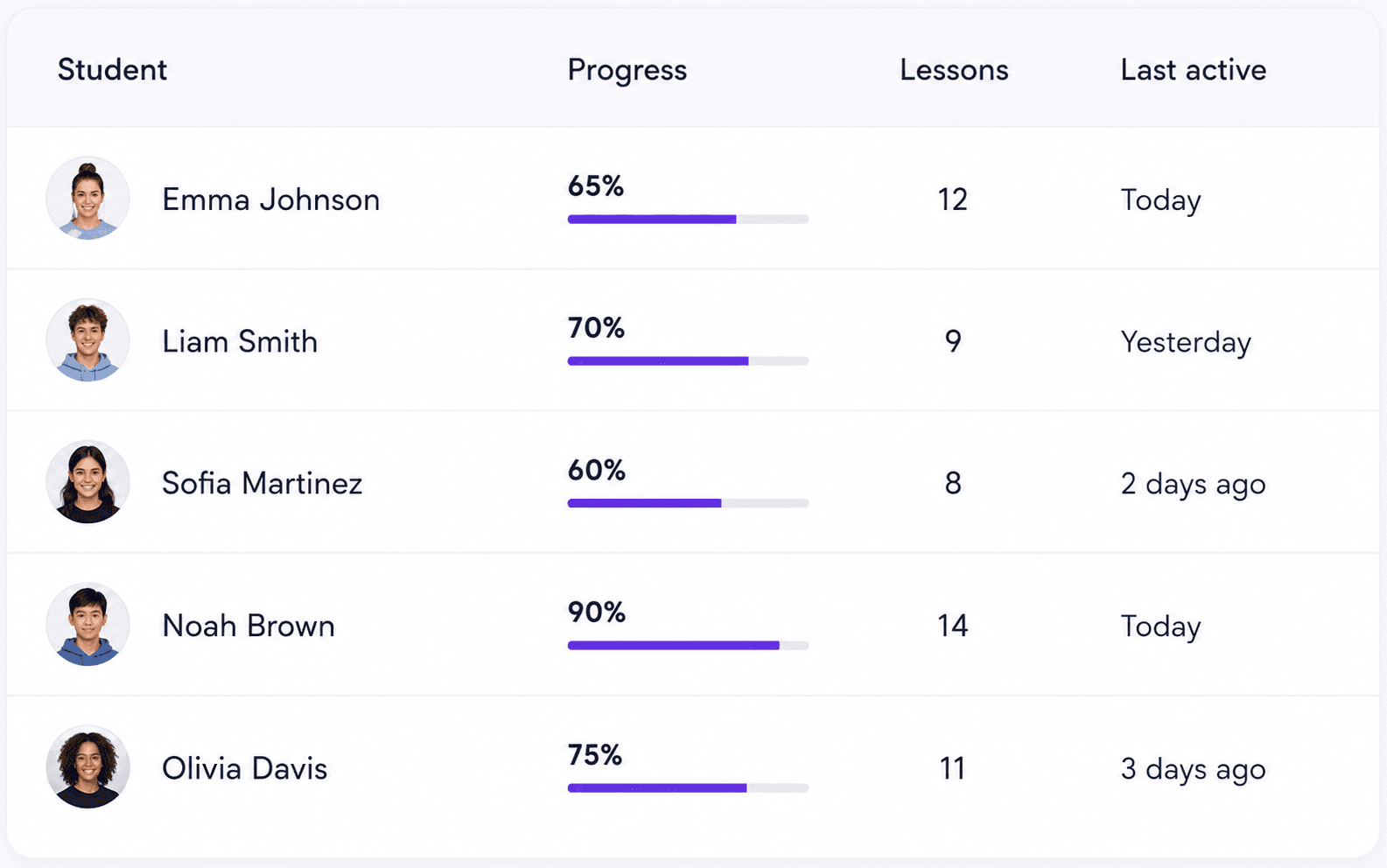
Invite learners, organize groups, track completion, and open any student's work in one click.
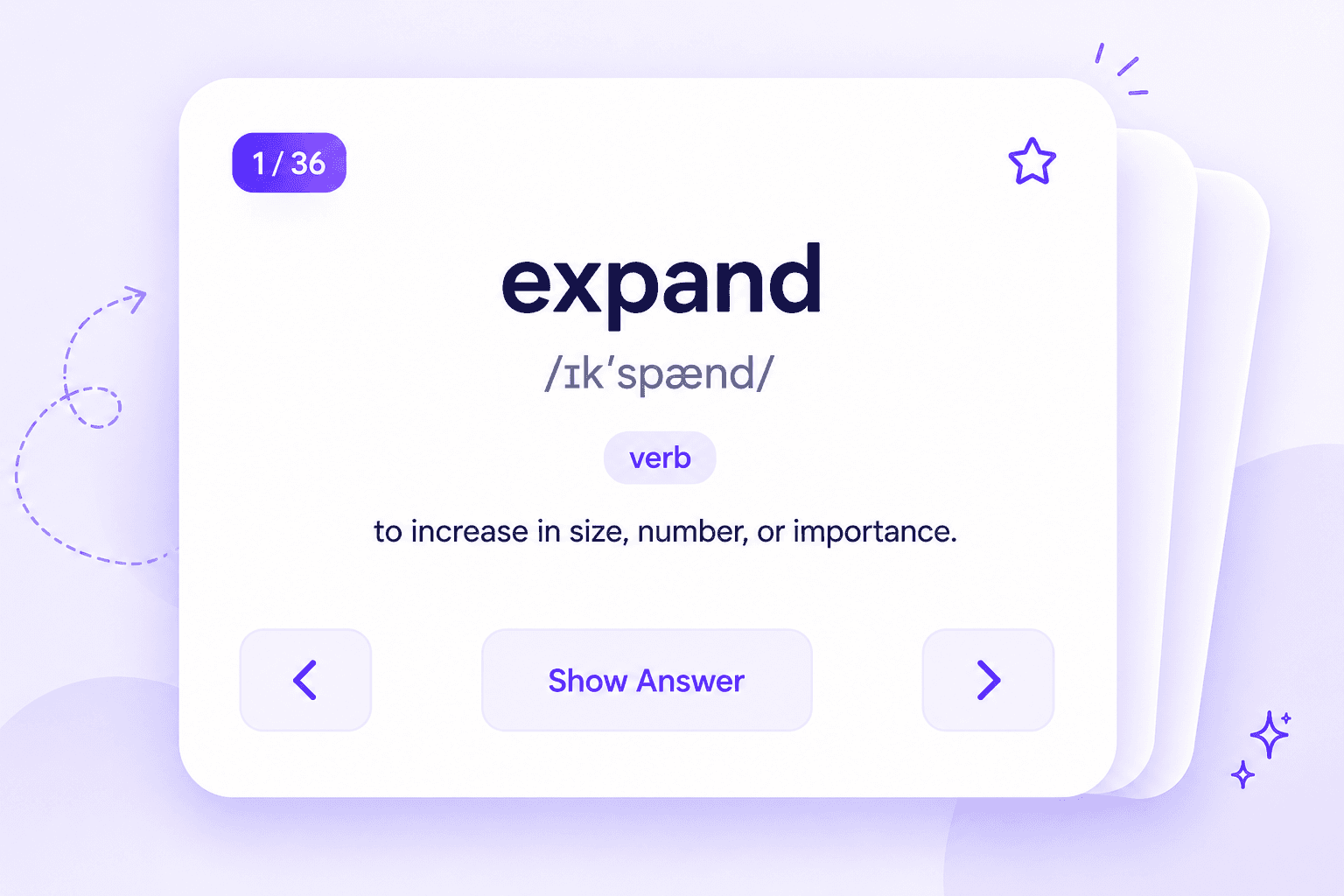
Students save decks from lessons and review anytime. Teachers can add or curate cards per student.
Speak with AI
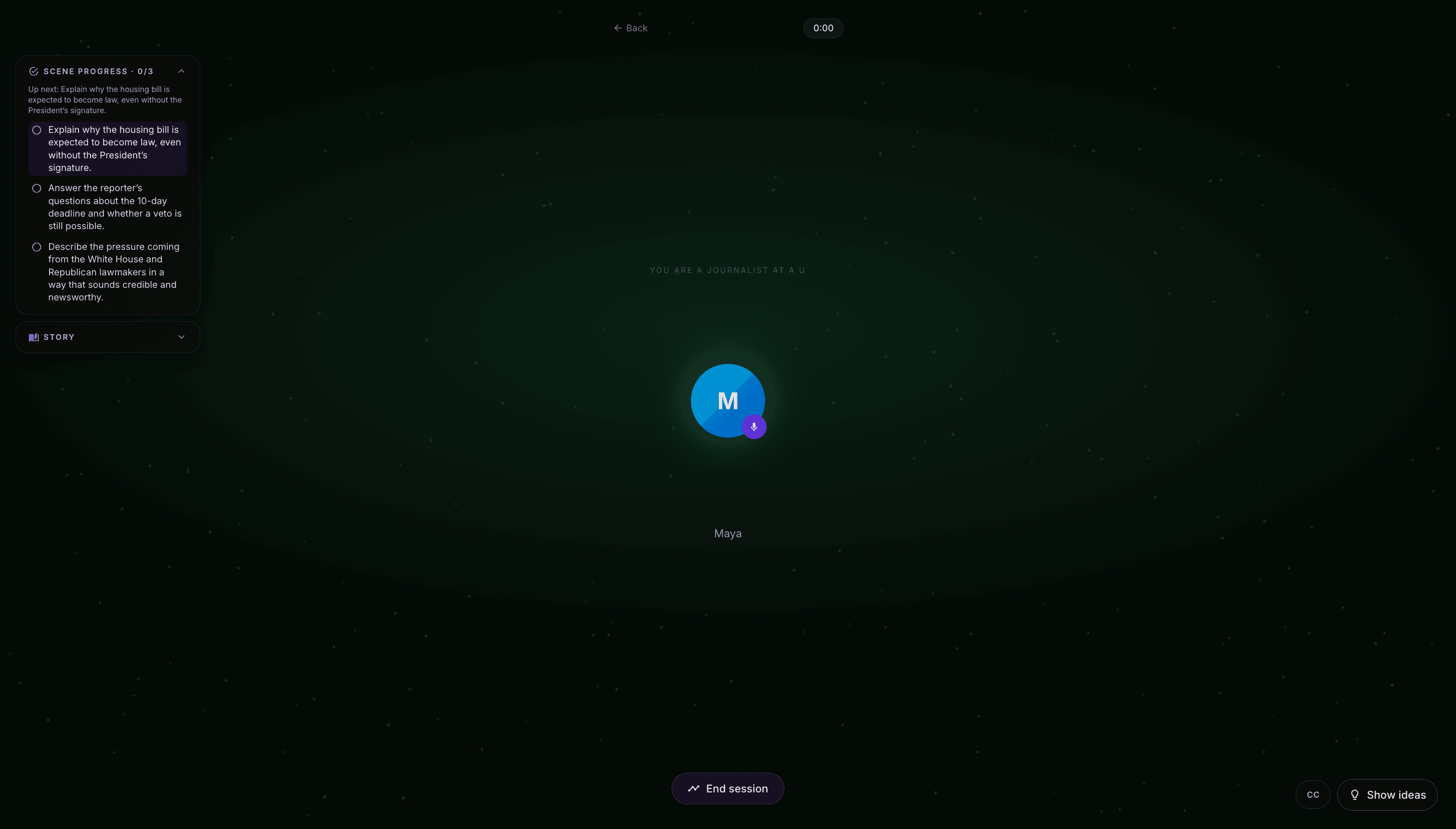
50+ prepared scenarios — students pick a room, allow the mic, and practice real conversations with an AI partner.

Clue-by-clue investigations — students unlock evidence and discover the hidden answer together with AI.
Build custom AI scenarios for your class — publish with a link, assign students, and review session summaries.
After a live Talk session, AI generates a tailored written homework lesson targeting what the student struggled with.
Students get a month-by-month mix of lessons and speaking practice shaped to their level and goals.
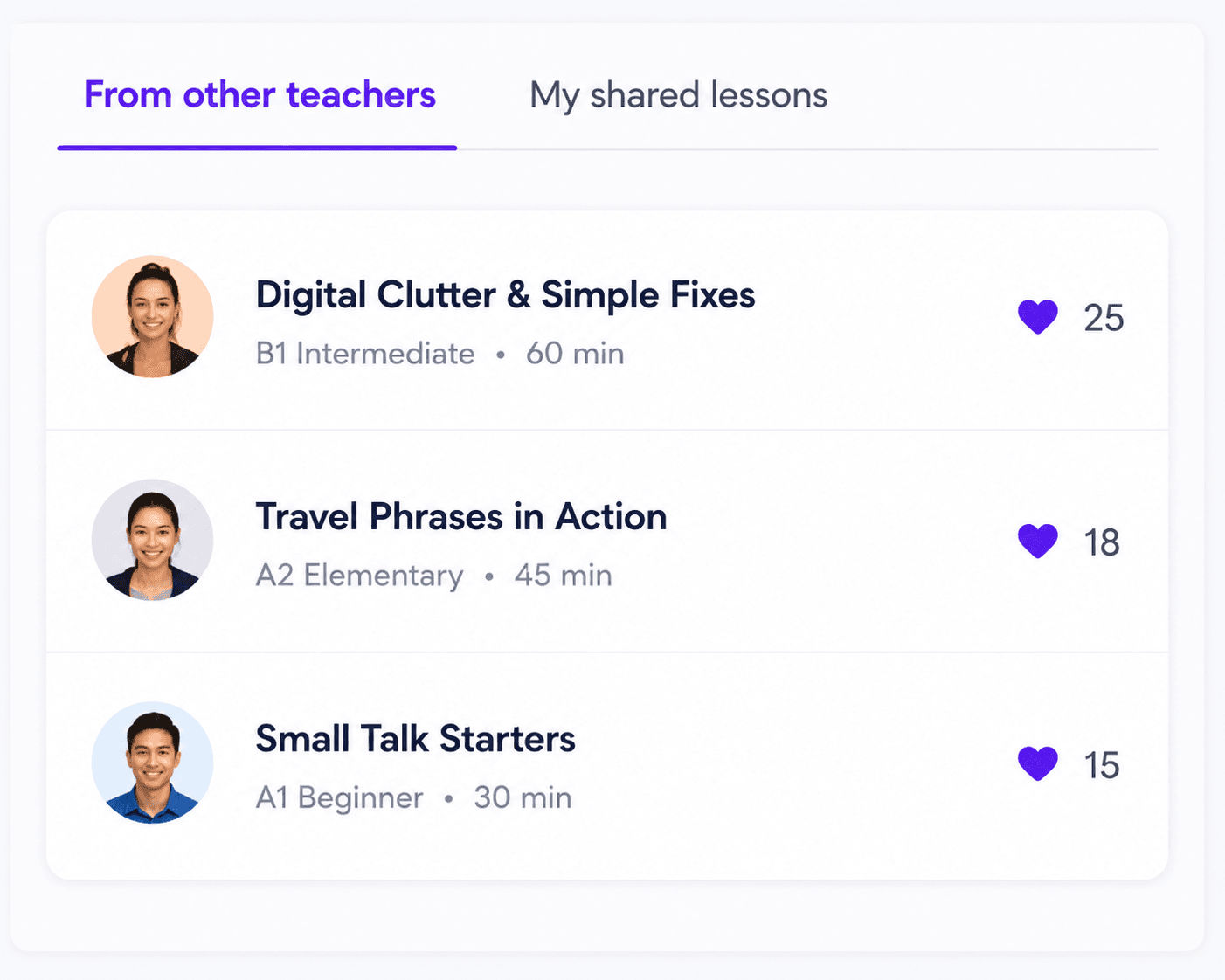
Publish to the community library, clone lessons from other teachers, and earn when others save your work.
Publish on Explore. When another teacher saves your lesson, you earn 10% of its generation cost in Lesso coins.
Browse ExploreShare on Explore
Publish a lesson for other teachers to discover.
Someone saves it
They copy it into their own library.
You earn 10%
Coins equal 10% of that lesson's generation cost.
For students
Live AI voice practice — explore 50+ speaking rooms, build custom scenarios on Plus, or drill featured high-stakes conversations on Pro. Tap the mic and speak anytime.

Join a room your teacher assigned, or explore public speaking rooms on your own. Your minutes stay with your student account.
From the community
Preview activities teachers built with Lesso. Sign up free to unlock the full lesson and add a copy to your library.

C1 Advanced · 60 minutes
Plan a stylish late-night supper club at a rooftop climbing gym, balancing menu choices, guest flow, safety, and the story you want people to share afterward. Practise persuasive language, advanced modals and conditionals, and the vocabulary you need to justify decisions with confidence.
By Teacher·4 activities

B1 Intermediate · 60 minutes
Solve a tense bakery mystery by following clues, comparing alibis, and spotting contradictions in witness accounts. Practice describing past events and making deductions as you work out who took the secret cinnamon bun recipe and where they hid it.
By Teacher·7 activities

B2 Upper intermediate · 60 minutes
Follow the residents of Riverview Court as a storm, a broken locker, and mixed-up deliveries create a small neighborhood crisis. You’ll read forum posts, listen to a voicemail, discuss the best next steps, and write a clear message that helps restore order.
By Teacher·6 activities
Blog
Practical posts on Lesso, lesson blocks, and teaching with AI—same width as our articles, no fluff.
Featured2026-10-11 · 5 min read
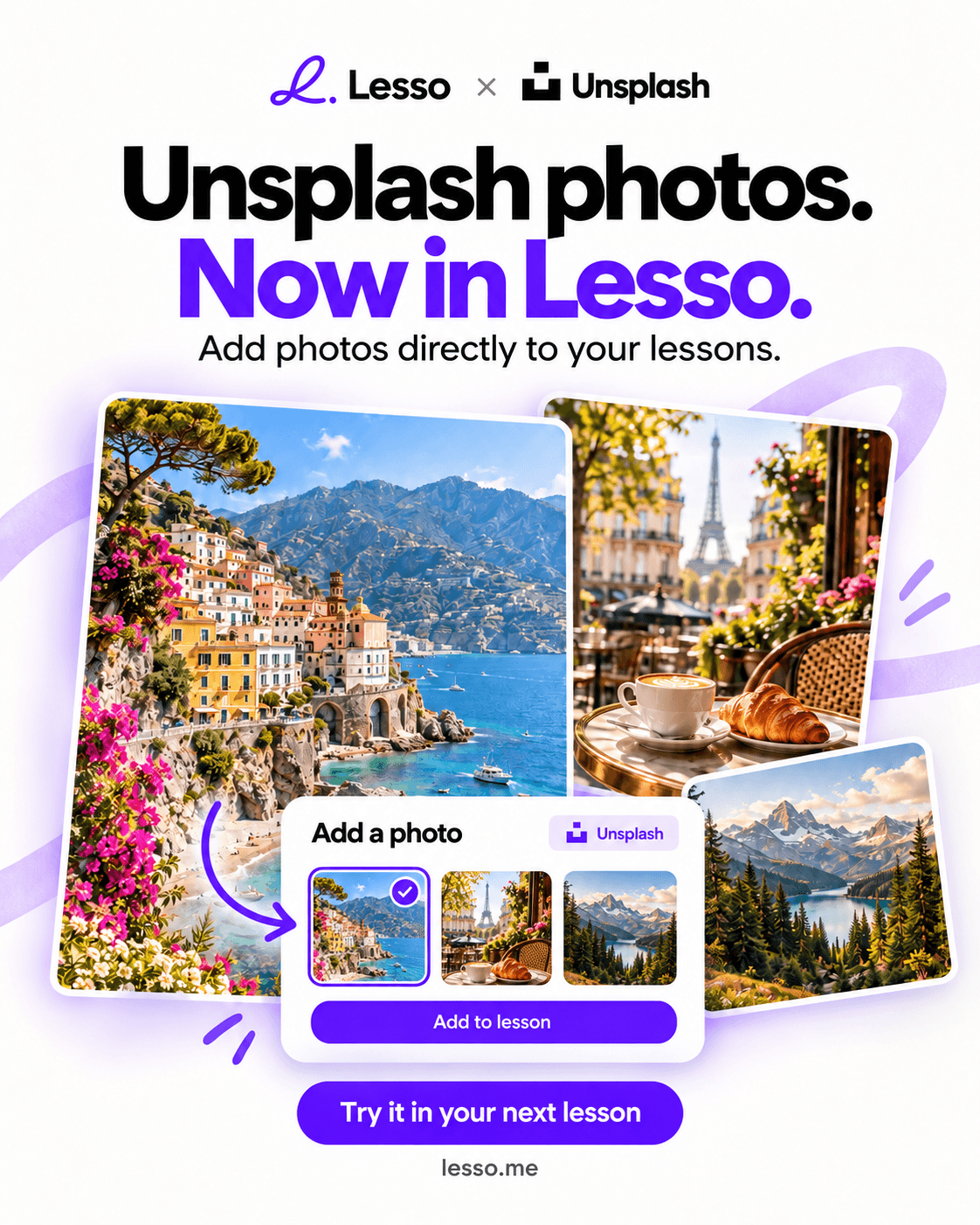
Search millions of free Unsplash photos inside your lesson editor, drop them into image blocks and photo tasks, and let AI pick matching stock photos when it builds image exercises—with AI image generation as a fallback.
Read article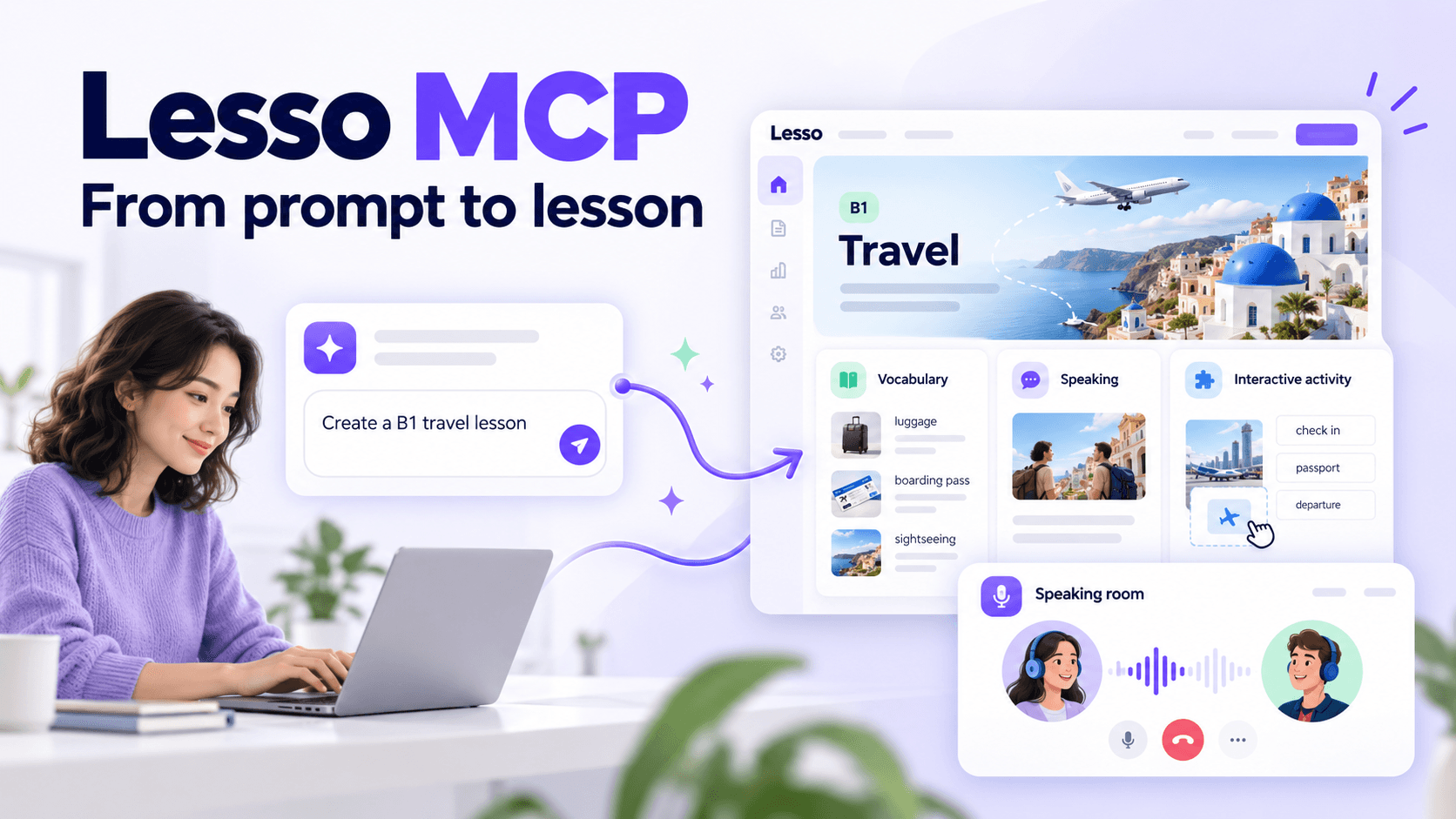
Featured2026-09-28 · 9 min read
Connect ChatGPT (or any MCP client) to your Lesso teacher account and create lessons, speaking rooms, invites, and Explore adaptations with natural language. Full tool guide with use cases and examples.
Read article
Featured2026-09-08 · 6 min read
Paste any public Instagram Reel into Lesso to extract audio, generate precise transcripts, and build immersive ESL lessons grounded in authentic spoken English. Attach up to 15 Reels per lesson.
Read articleJoin thousands of teachers who save time, engage students, and achieve better results with Lesso.