2026-06-02 · 24 min read
Lesso Teams: organization plans for schools and language companies
Lesso Teams is here: shared Lesso coin pools, teacher seats, volume pricing, and an owner dashboard to invite staff, monitor usage, and keep lesson materials when teachers move on.
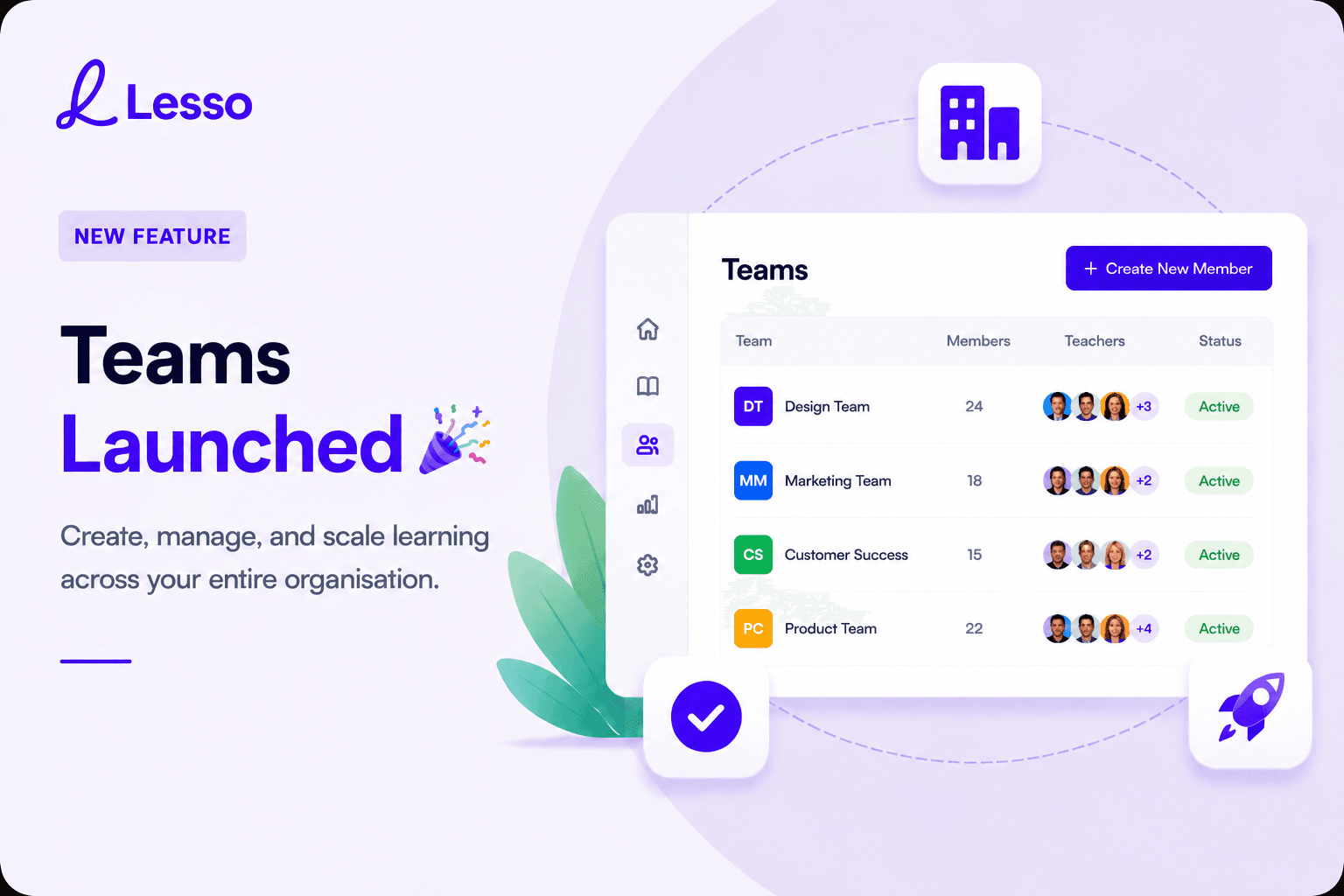
Teams launched: one subscription, many teachers
We recently launched Lesso Teams—organization plans built for language schools, district programs, tutoring companies, and any teaching business that wants several educators on one account with shared billing and a single pool of Lesso coins.
If you already use Lesso as an individual teacher, nothing changes for you. Teams is an additional way to buy and manage access: a company owner (or academic lead) subscribes for a number of teacher seats, invites colleagues, and runs the program from an organization dashboard instead of juggling separate credit cards per person.
The headline on our launch graphic is deliberate: create, manage, and scale learning across your entire organisation. Lesso still does what it always did—AI lesson blocks, student links, live monitoring—but Teams wraps that workflow in structures real schools actually use: roles, seats, pooled credits, and oversight.
Who organization plans are for
Teams fits organizations that employ or contract multiple English teachers and want one predictable monthly or annual bill, not ten separate Pro subscriptions.
Typical customers include private language schools with several classrooms, online academies with a roster of tutors, university prep centers, corporate training units, and district coordinators who support a cohort of teachers with shared materials.
The organization owner is usually an administrator, academic director, or founder. That person does not teach from the shared pool in the same way staff do—the owner account is for billing, invites, usage reports, and keeping lesson libraries when teachers leave.
Teachers you invite are normal Lesso teacher accounts tied to your organization. They create lessons, publish to their classes, and spend coins from your team pool when they generate AI blocks or run on-demand features such as AI conversation. They do not need their own individual subscription while they remain on your team.
The shared coin pool (and what we do not do)
This is the most important billing concept to understand: Lesso coins for a team live in one organization balance, not in separate buckets per teacher.
Your subscription size is defined by two numbers: how many teacher seats you pay for, and which package you chose. Each seat adds a fixed monthly coin allowance to the pool—1,000 coins per teacher on Essentials, 1,500 on Professional, or 2,000 on Scale. If you have ten teachers on Professional, the pool refreshes each billing period with 15,000 coins worth of capacity (10 × 1,500), which every active teacher draws from when they generate content.
We do not split coins equally among teachers automatically. One teacher might build three image-heavy lessons in a week while another only edits library copies—that is normal. The owner sees spending by person in the dashboard so you can coach high usage or investigate surprises, but you are not forced into artificial per-teacher caps unless you manage that culturally.
Coins are not refunded or redistributed when someone leaves the team. If a teacher departs, lessons they created while employed stay with the organization (see below); unused coins simply remain in the pool for everyone else until the period renews.
Organization owners do not receive the individual teacher welcome bonus (300 coins). Team billing starts at checkout with your chosen package; personal top-ups for owners follow the same rules as other accounts if you also teach, but the owner role is designed around administration, not solo authoring.
Three packages: Essentials, Professional, and Scale
Every team chooses one of three packages for the whole organization. All packages include a shared pool, teacher invites, the owner dashboard, and email support tiered by plan.
Essentials is the entry point for smaller schools that want core AI lesson creation at a lower per-teacher price. Each seat includes 1,000 Lesso coins per month at standard AI block and on-demand rates, with regular email support.
Professional is the balanced choice for most growing schools: 1,500 coins per teacher per month, premium support, a 10% discount on AI block generation costs, and a 20% discount on on-demand usage such as AI conversation sessions. Many pilots land here because the coin bump and perks pay for themselves once teachers routinely build full lessons.
Scale targets larger faculties and heavy daily use: 2,000 coins per teacher, premium priority support, 20% off block generation, 50% off on-demand usage, and 20% off additional coin top-ups if you buy extra capacity mid-cycle. High-volume schools use Scale when speaking practice and rich multimedia lessons are the norm, not the exception.
Packages apply uniformly to every seat on the subscription. You cannot put half your teachers on Essentials and half on Scale in one contract—you pick one package for the organization and scale seat count instead.
Volume discounts and annual billing
Seat count changes the price per teacher even before package perks. Team volume discounts use six tiers up to 20% off: 4% from four teachers, 7% from six, 10% from eight, 14% from twelve, 17% from sixteen, and 20% from twenty teachers upward. That stacks with package multipliers (Professional and Scale already lower the per-teacher base rate than retail individual pricing).
You can bill monthly or annually. Annual billing applies a 10% discount on the subscription total and charges once per year through Stripe; coins still refresh on your billing rhythm tied to the subscription. Schools with budget cycles that prefer one purchase order per academic year often choose annual for simplicity.
Minimum team size is four teachers. That matches how we price and support B2B accounts: enough seats to justify shared administration, but still accessible to boutique schools.
Exact totals depend on seat count, package, volume tier, and billing period—you configure all of this on the For companies page before checkout, with a live order summary so finance and academic leads see coins and price before anyone creates an owner account.
How to get started: from plan selection to live team
The path is intentionally linear so procurement and pedagogy stay aligned.
Step one: visit For companies on Lesso.me, set the number of teachers you need (at least four), choose Essentials, Professional, or Scale, and pick monthly or annual billing. The order summary shows total coins, estimated lessons per teacher, volume discount if applicable, and the billed total.
Step two: create an organization owner account. Sign up is separate from a normal teacher signup—owners are steered through organization registration and then secure checkout. After payment, Stripe activates your subscription and provisions the organization with your seat limit and starting coin pool.
Step three: open the organization dashboard. You will see pool balance, seats in use, recent spending, and shortcuts to manage the team. This is your home base—not the standard teacher lesson list.
Step four: invite teachers. Send email invitations or share an invite link from the Team page. Each invited person occupies one seat when they accept (pending invites also hold seats so you cannot over-subscribe accidentally). Teachers sign in through the unified Lesso login and land in the familiar teacher workspace, using your coins instead of buying their own.
Step five: teach and monitor. Teachers build and publish as they already learned on Lesso. You watch coin use and per-teacher activity from the dashboard, download reports if needed, and adjust membership or subscription when your hiring plans change.
The organization owner dashboard
Owners get a focused admin experience rather than the full teacher sidebar. Navigation centers on Organization (dashboard), Team, and Team lessons, plus settings and support links—without clutter from individual-teacher flows such as Explore discovery or personal referral invites.
The dashboard highlights your shared coin pool balance, how many seats are in use versus purchased, pending invitations, and spending over the last thirty days. You can see which teachers consumed the most coins—useful for academic reviews, not surveillance for its own sake.
Team lessons is the library view for your school: every lesson created under your organization, grouped so you can see who authored it and open it for review. When teachers move on, their materials remain here because lessons belong to the organization, not to a personal account they take with them.
Owners who also need to edit a specific lesson can open it through the team library; the product keeps lesson URLs and editor access available for continuity when coordinators fix a typo or update an exam passage centrally.
Inviting, locking, and removing teachers
Team management lives on the Team page. Invite by email for a branded message with a join link, or copy a reusable invite link for staff meetings and Slack channels.
Each active teacher member uses one seat. The owner account does not consume a seat—you can have one academic director and twenty teachers on a twenty-seat plan.
If someone should not access Lesso temporarily but might return, use Lock. Locked teachers cannot sign in to your organization but their seat stays occupied until you unlock or remove them.
Remove when someone leaves the company. Removal revokes their access to your pool and team lessons. Their personal Lesso account may continue to exist, but they revert to an individual teacher with zero coins unless they buy their own plan—they no longer see organization lessons they did not personally own before joining.
When you need to shrink the team and you are at full seat usage, the product asks you to adjust subscription seat count first (through a plan change at checkout), then complete removal. That keeps billing honest: you are not paying for ten seats while only eight people work.
What teachers on your team experience
Invited teachers sign in like any other Lesso user, but their credit balance reflects the organization pool. When they generate a vocabulary block or start an AI conversation, coins deduct from the shared total, attributed to them in your reports.
Their workspace is the standard teacher admin: create lessons, library, students, live monitoring, and publishing. Organization teachers typically do not browse Explore for colleagues’ shared lessons in the same way independent teachers do—your school may prefer teachers to work from your internal materials and team library instead.
Teachers should use the email address you invited. If they already had a personal Lesso account, joining your organization links that profile to your pool for as long as they remain members.
When they build lessons while on your team, those lessons are organization lessons. If they later leave and you remove them, they keep only personal lessons they created outside your team; school materials stay under your owner account.
Changing seats, packages, or billing period
Growth is expected. When you hire more teachers than your seat limit, open the plan update flow from Team, increase seats (and optionally switch package or monthly/annual billing), and complete Stripe checkout for the new team size.
Lesso cancels your previous Stripe subscription immediately when you change plans and starts a fresh subscription at the new seat count and price. Coins already in your pool are not taken away; the new period’s allowance applies after payment. Volume discounts recalculate from the new teacher count, so adding seats can unlock better per-teacher pricing.
Shrinking seats follows the same pattern in reverse: lower the seat count at checkout when you are not using those seats, then remove or revoke members so occupied seats match what you pay for.
Switching from Essentials to Professional or up to Scale is the same mechanics—owners choose the new package and seat count, confirm, and pay the quoted total. There is no silent downgrade; every change is explicit so finance teams can track invoices.
Team lessons vs individual teachers: a practical example
Imagine a school with six teachers on Professional (9,000 coins per month in the pool). In week one, three teachers each build two medium lessons with listening and quizzes; one teacher only copies two library lessons; two teachers are on holiday and use nothing. The pool might drop by 4,000 coins while usage looks uneven—that is fine.
The academic director opens Team lessons, sees the best listening lesson from Teacher A, and shares it internally by pointing new hires to that lesson in the library. Teacher C leaves the school in March; the director removes them after lowering seats from six to five, and Teacher C’s drafts stay visible under Team lessons for the replacement hire to adapt.
In April the school adds two teachers and moves from six to eight seats through the plan panel, gaining Professional volume pricing on the larger seat count. No one renegotiates separate cards; one Stripe subscription updates.
That story is exactly what Teams is for: operational simplicity, shared materials, and pricing that scales with headcount instead of with whoever remembered to renew personal credits.
How Teams relates to individual Lesso plans
Individual teachers on Lite, Plus, or Max plans keep what they have today. Teams is parallel, not a forced upgrade.
Some schools run a hybrid: senior teachers stay on individual plans for personal side work while junior staff sit on the organization pool. That works, but only invited organization members draw from the pool.
If you are unsure which model fits, use this rule: four or more teachers who mostly build curriculum for your brand and should leave lessons behind when they resign → Teams. One or two teachers who only need personal classroom tools → individual plans may stay cheaper and simpler.
Support, fairness, and what we are improving next
Essentials includes regular email support; Professional adds premium support; Scale adds premium priority for larger accounts. Owners should route billing questions through the owner contact on the account; teachers route lesson issues through their lead as your internal policy prefers.
We built Teams because schools asked for pooled credits, seat-based buying, and lesson continuity when staff turnover happens—problems individual subscriptions never solved well.
If you are ready to pilot, start on the For companies page with a realistic seat count, run a two-week trial with three power users and one cautious adopter, and read your dashboard after the first full teaching week. Pair this article with our guides on lesson blocks and on What is Lesso.me? so your team knows both how to teach with Lesso and how your organization pays for it.
Questions about custom contracts, invoicing, or very large deployments are welcome through our contact channels linked from the site—we are continuing to refine Teams with feedback from the schools already live on organization plans.